
A workspace for CHUD.
Edit, check, build, and run your project in CHUD Studio.
Open something real.
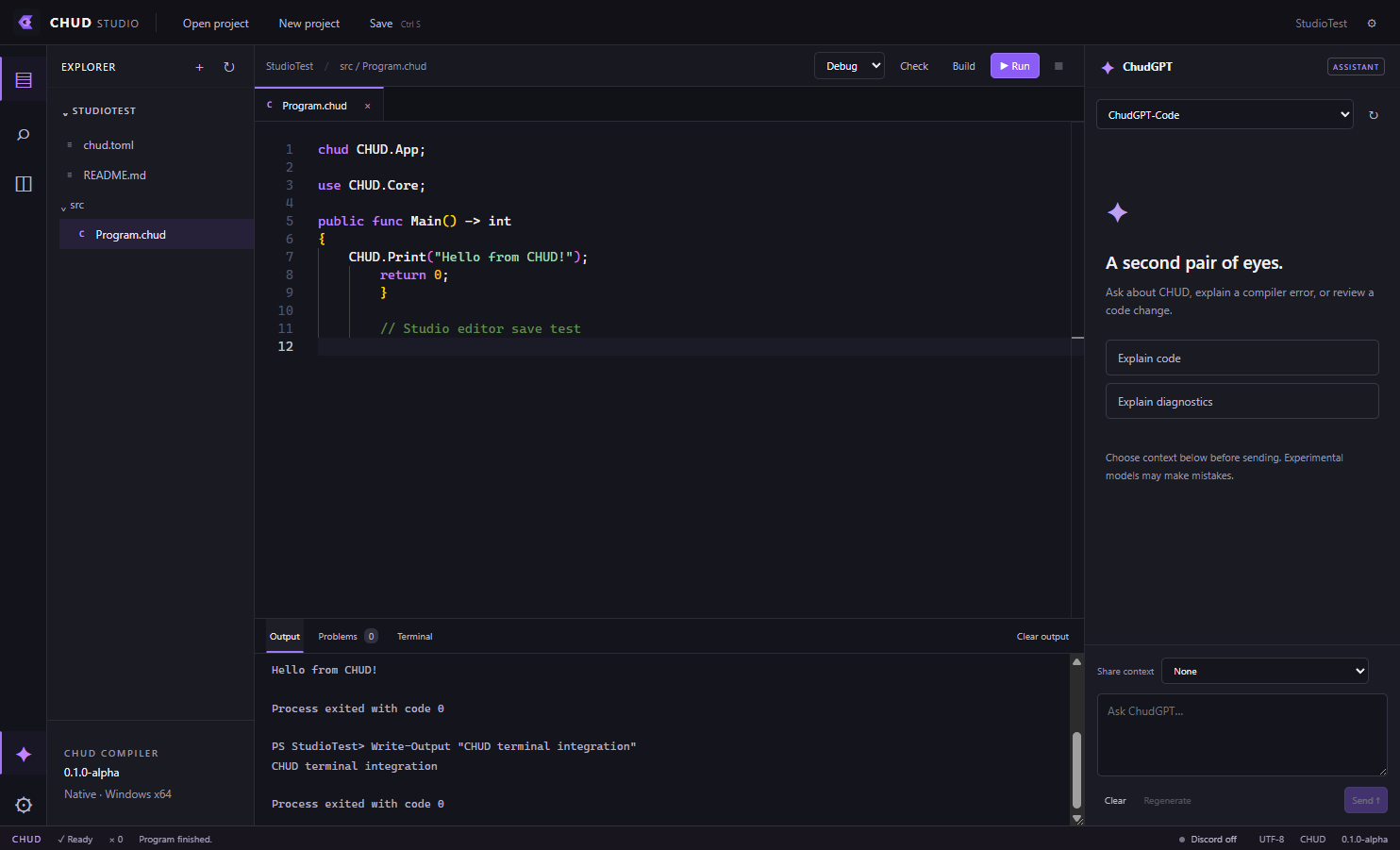
Open a folder containing chud.toml, or create a console or empty project from New project. The explorer displays editable text files. New source file accepts a relative path in an existing folder.
An editor that knows its place.
Use syntax highlighting, line numbers, folding, bracket matching, multiple tabs, split editing, find/replace, and comment toggling. Unsaved changes are marked in tabs. Configure font size, tabs, wrapping, and autosave in settings.
| Shortcut | Action |
|---|---|
Ctrl+S | Save the active file |
Ctrl+F | Find in the editor |
Ctrl+H | Replace in the editor |
Ctrl+, | Open Studio settings |
The active-document Problems panel checks a temporary copy through the compiler. Use project Check or Build for authoritative cross-file validation.
The Run button runs your project.
Check, Build, and Run save modified open buffers and invoke the actual project tools. Run recompiles before executing. Output includes process errors and exit codes. Stop terminates the active process tree on Windows.
Real PowerShell output.
The terminal executes commands in the selected workspace and captures stdout and stderr. Each submission starts a fresh, non-interactive PowerShell process. Persistent shell state, interactive prompts, and full-screen terminal apps require a future PTY integration.
Make the workspace yours.
Editor, compiler, build, API, and Discord settings persist locally. Pane toggles and a resizable output panel are available; complete layout persistence and rearrangement are future work. The Discord integration and ChudGPT assistant are optional.