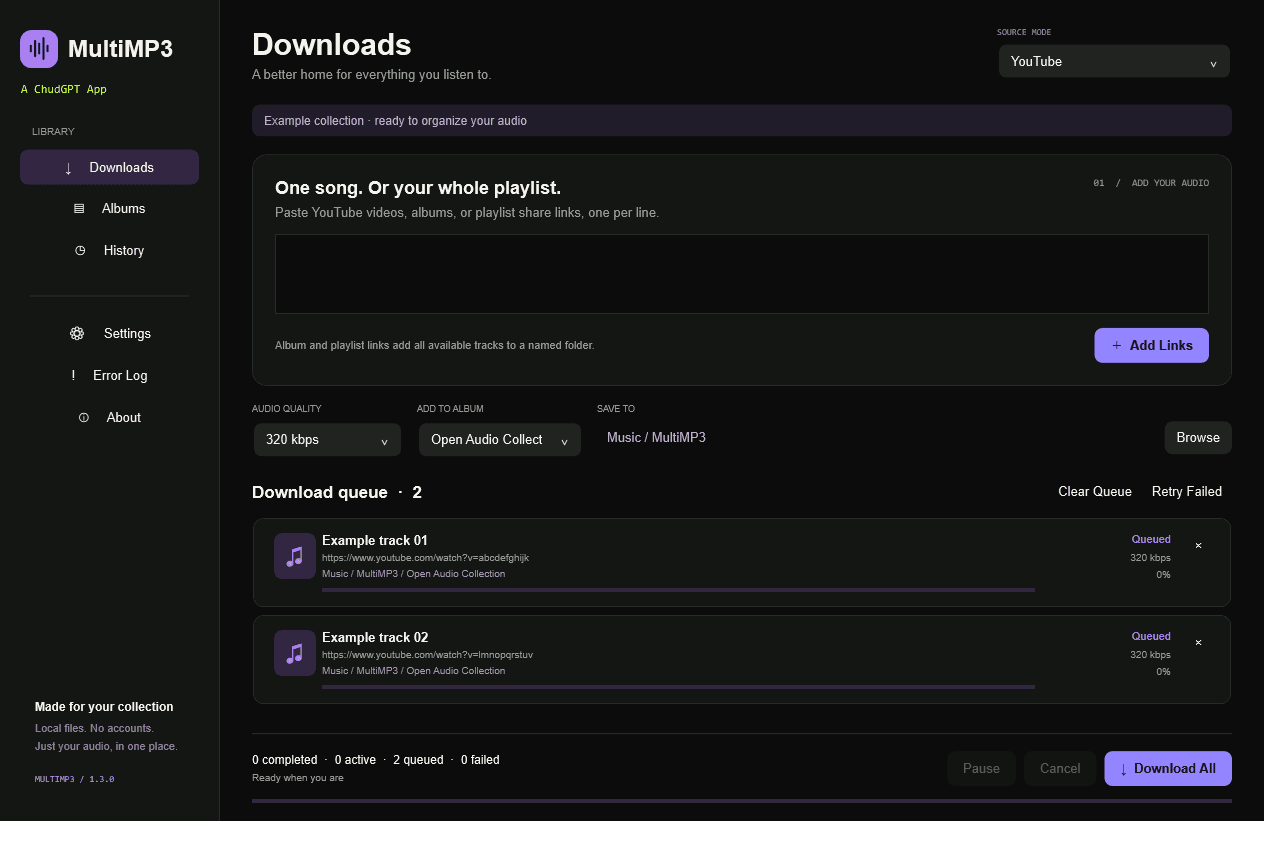
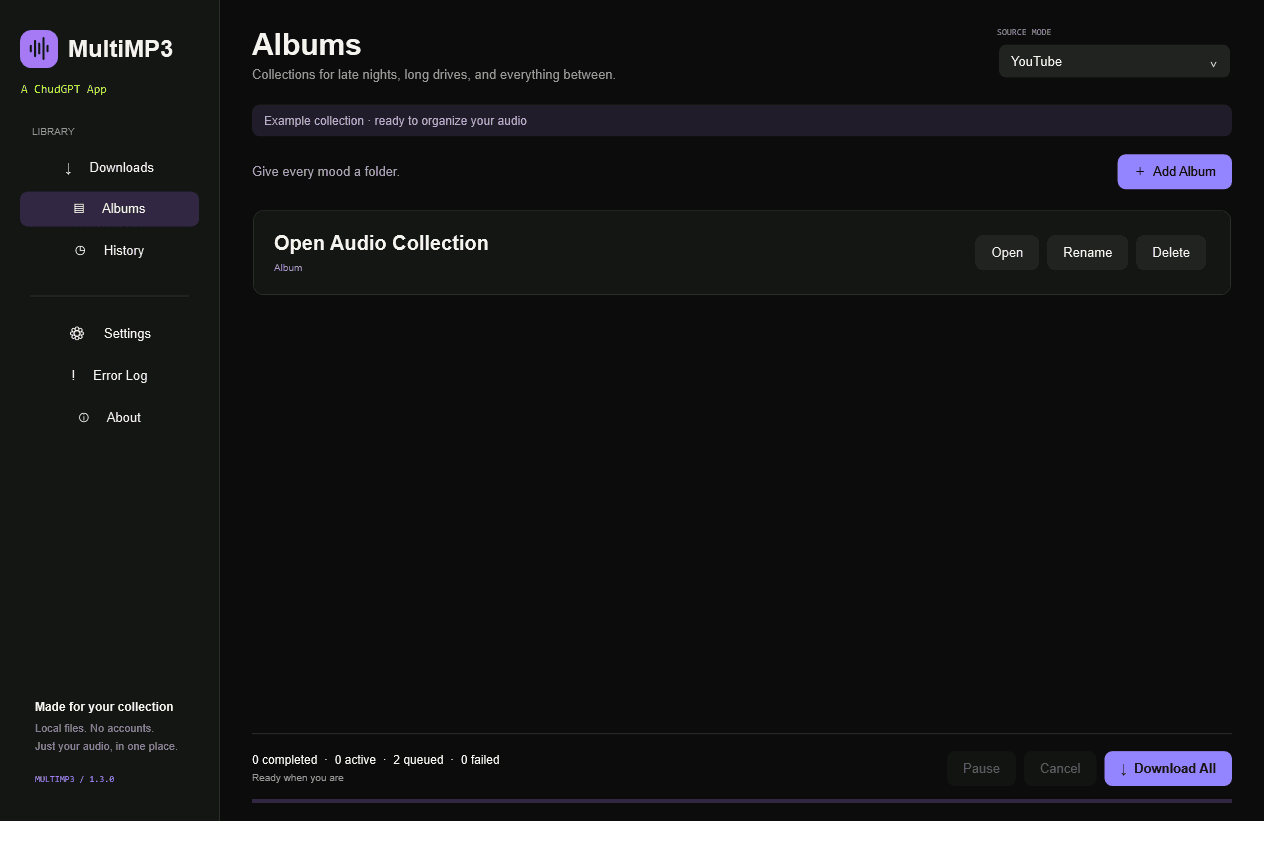
Paste, organize, and export.
Paste supported YouTube links, create albums, choose MP3 quality, download individual tracks or an album ZIP, and export every album as MultiMP3_Site_Albums.zip.
A ChudGPT App · Web and Windows editions
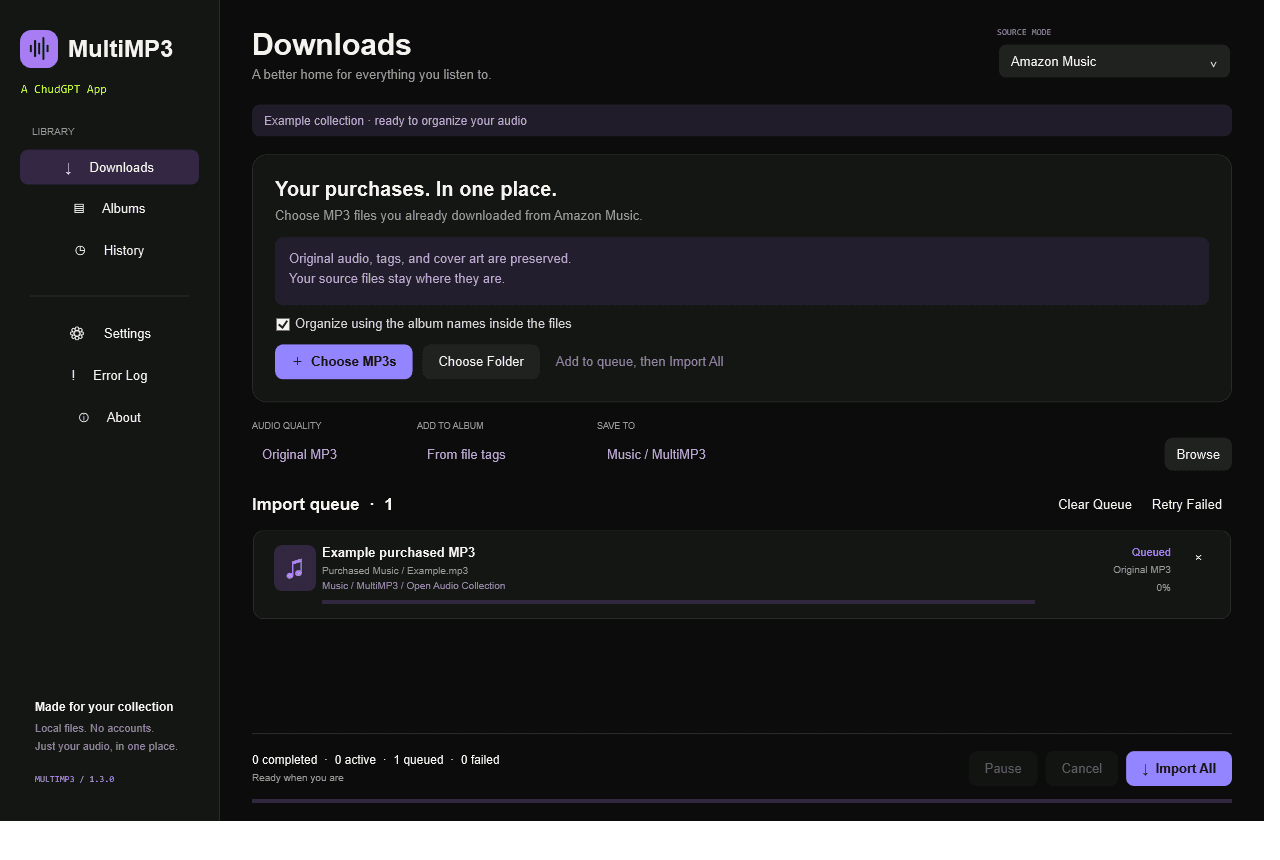
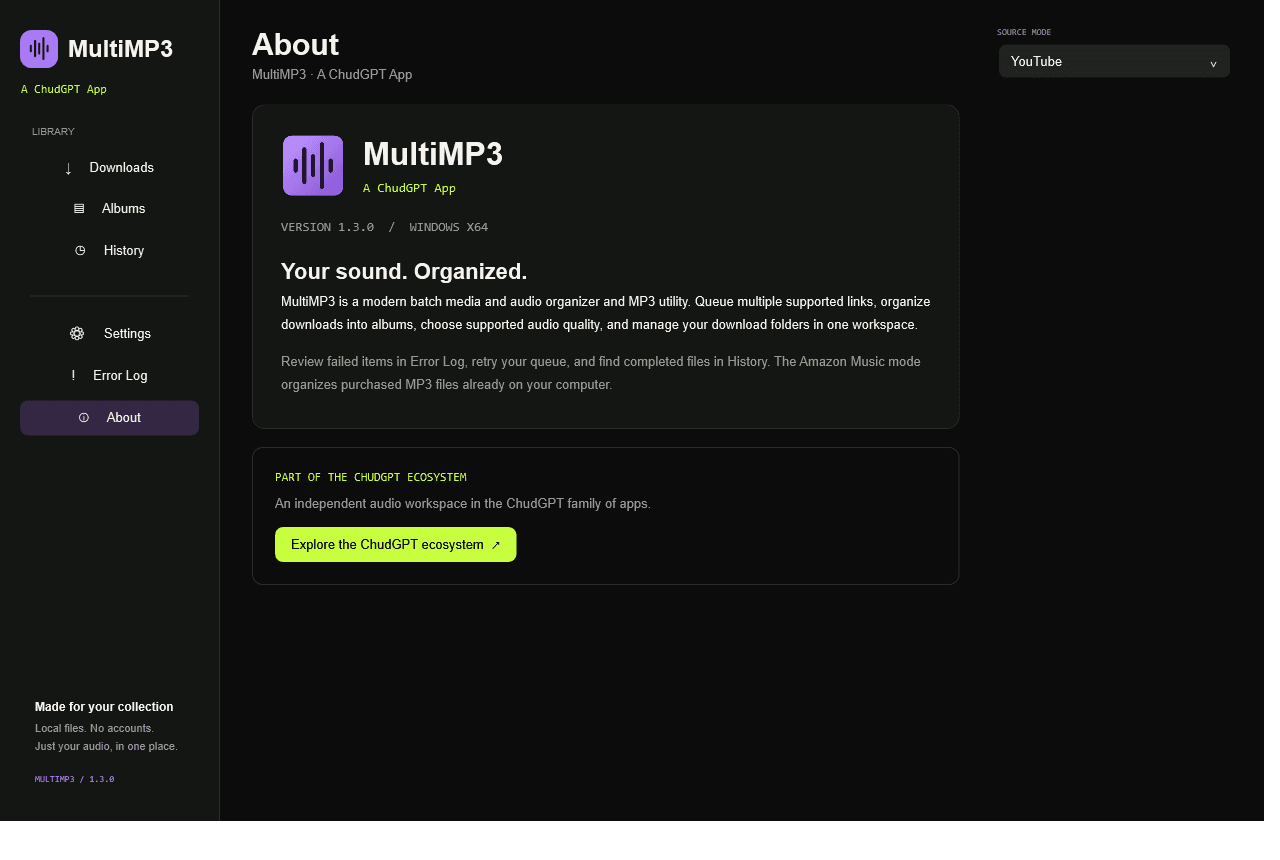
MultiMP3 now has two editions. MultiMP3 Web is the quick browser experience for supported YouTube links, albums, MP3 quality choices, individual track downloads, album ZIPs, and a complete MultiMP3_Site_Albums.zip export. MultiMP3 for Windows adds persistent folders, download history, queue recovery, local purchased-MP3 organization, and deeper settings.
Web browser edition · Windows 1.3.0 for Windows 10/11 x64 · Open source under the MIT license
Paste supported YouTube links, create albums, choose MP3 quality, download individual tracks or an album ZIP, and export every album as MultiMP3_Site_Albums.zip.
Use persistent folders, download history, queue recovery, local purchased-MP3 organization, and deeper settings in the Windows edition.
Download Windows 1.3.0Extract the ZIP, run Setup-Engine.cmd, then open MultiMP3.exe. Includes .NET; media tools install separately. The application is unsigned.
MultiMP3 Web uses a static Vercel interface with same-origin API routes. Requests to /api/* are securely forwarded to the machine-managed processing service, where yt-dlp extracts supported media, FFmpeg creates MP3 files, and the export service generates album archives.
Verified through the public MultiMP3 health endpoint.
GET /api/healthDependency and processing-service health
POST /api/infoRead public YouTube metadata for 1–50 validated URLs
POST /api/downloadConvert and return one permitted track
POST /api/exportCreate one album ZIP or MultiMP3_Site_Albums.zip
Browser storage: only lightweight queue, album, and quality metadata is saved in the browser. Downloaded media is not stored in localStorage.
Connection: developers and visitors use https://multimp3.vercel.app/api/*. No separate backend address is configured in the browser; Vercel proxies the request to the separately managed processor.
Open MultiMP3 Web.
Paste one or more supported YouTube or YouTube Music links.
Add the links to the queue.
Choose an available MP3 quality.
Organize queued tracks into albums when desired.
Download individual tracks, one album ZIP, or all albums.
Review failed items and retry them when appropriate.
Use the public MultiMP3 domain for every request. Successful health and metadata responses are JSON; downloads return MP3 files and exports return ZIP files. Failed requests return JSON with an error field.
GET /api/healthNo request body. Returns JSON with service and dependency health.
POST /api/infourls is required: send 1–50 supported HTTPS YouTube or YouTube Music URLs. The service processes at most the first 50. Returns { "items": [...] } JSON with metadata or per-item errors.
POST /api/downloadurl is required. title is optional and defaults to track. quality is optional and defaults to 192. The Web UI supports 128, 192, 256, 320, and best. Returns an MP3 file.
POST /api/exportalbums is required; the service processes at most 50 album objects and requires 1–250 total tracks. Album name, track title, quality, and filename are optional; every track needs a supported url. Returns a ZIP file.
Current processor safeguards include a 128 KB JSON-body limit, a 40-request-per-minute rate limit, filename sanitization, and serialized conversions. Availability is not guaranteed when the separately operated processor is offline.
curl https://multimp3.vercel.app/api/health

# Expected response:
{
  "ok": true,
  "service": "MultiMP3",
  "version": "1.3.0"
}const response = await fetch("https://multimp3.vercel.app/api/info", {
method: "POST",
headers: { "Content-Type": "application/json" },
body: JSON.stringify({
urls: ["https://www.youtube.com/watch?v=VIDEO_ID"]
})
});
const result = await response.json();
console.log(result);const response = await fetch("https://multimp3.vercel.app/api/download", {
method: "POST",
headers: { "Content-Type": "application/json" },
body: JSON.stringify({
url: "https://www.youtube.com/watch?v=VIDEO_ID",
title: "Example Track",
quality: "192"
})
});
const audio = await response.blob();
const downloadUrl = URL.createObjectURL(audio);
const link = document.createElement("a");
link.href = downloadUrl;
link.download = "Example Track.mp3";
link.click();
URL.revokeObjectURL(downloadUrl);const response = await fetch("https://multimp3.vercel.app/api/export", {
method: "POST",
headers: { "Content-Type": "application/json" },
body: JSON.stringify({
quality: "192",
filename: "My_Album.zip",
albums: [{
name: "My Album",
tracks: [{
title: "Example Track",
url: "https://www.youtube.com/watch?v=VIDEO_ID"
}]
}]
})
});
const archive = await response.blob();
const downloadUrl = URL.createObjectURL(archive);
const link = document.createElement("a");
link.href = downloadUrl;
link.download = "My_Album.zip";
link.click();
URL.revokeObjectURL(downloadUrl);